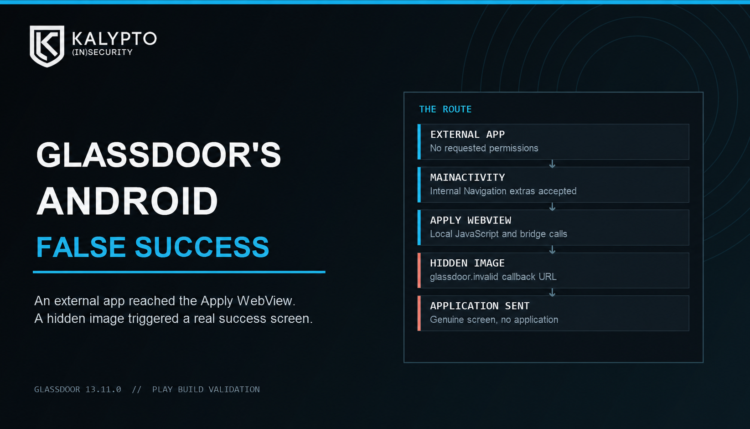

I gave a separate Android app an intent that Glassdoor should have treated as external. It opened Glassdoor’s internal Apply screen, loaded JavaScript I controlled, and ended on Glassdoor’s real “Your application was sent” screen. I had not applied for anything.
I reproduced this on Glassdoor 13.11.0, installed from Google Play. The helper app requested no permissions. I sent the finding through Bugcrowd, which rejected the report as out of scope.
The Route Was the Problem
Glassdoor’s MainActivity is exported. That makes sense for links coming from outside the app, but the activity also accepted AndroidX Navigation’s internal route extras from another app:
android-support-nav:controller:deepLinkIds
android-support-nav:controller:deepLinkArgs
Those are not ordinary web links. They tell the navigation controller which internal screen to open and supply that screen’s arguments. My helper provided the route to ApplyJobFragment and an ApplyJobArgs object with an applyUrl of my choosing. Glassdoor took the route and loaded that URL in its Apply WebView.
The boundary is simple: an app with a different UID should not get to choose Glassdoor’s private navigation destination and hand it serialized arguments. Here it could.
One Local Page, Two Results
I used a local data: page, so I did not need to host anything. Its JavaScript ran inside Glassdoor’s Apply WebView. The page also found an attached DatadogEventBridge object and called three metadata methods. They returned www.glassdoor.com as an allowed host, records as a capability, and mask as the privacy level.
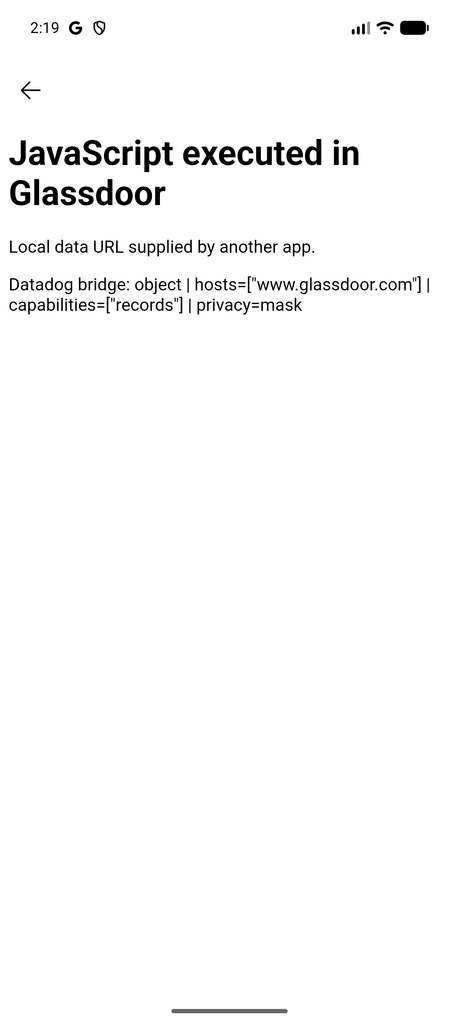
Then the page added a hidden image:
https://glassdoor.invalid/job-listing/native-indeed-callbackThat host cannot lead to a real Glassdoor site. It did not have to. Glassdoor’s WebView client passed every intercepted resource URL, including images, to its Apply completion check. The check looked for the callback text anywhere in the URL and the word glassdoor anywhere in the host. A hidden image on glassdoor.invalid met both tests.
Three seconds after the page loaded, Glassdoor showed its own confirmation screen: “You did it! Your application was sent.”
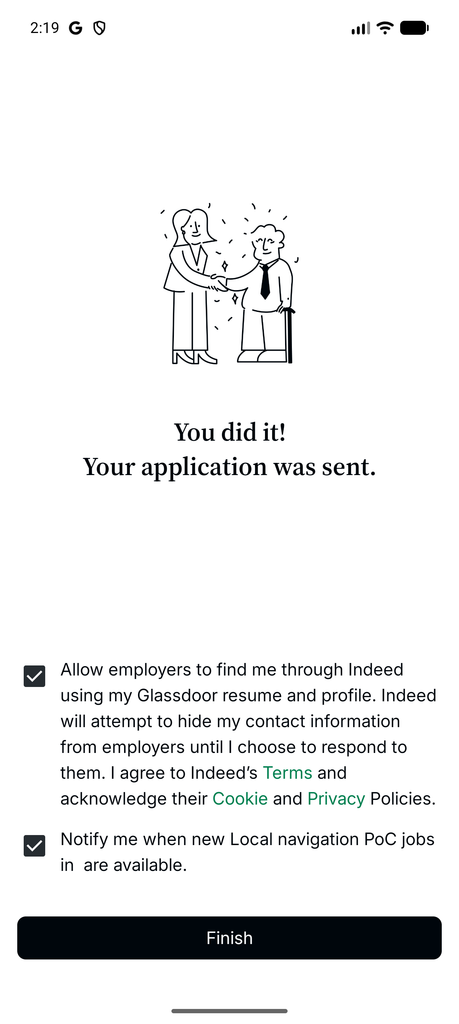
This was not a fake page drawn inside the WebView. It was Glassdoor’s actual success view, reached with jobId=0, an empty job link, and no application submitted.
What the Test Did Not Do
The screen showed resume discoverability and a job alert selected. I stopped before pressing Finish. Code tracing shows that button can submit the selected resume setting and create the alert. I did not test whether those calls would succeed with my deliberately invalid job data, and I did not change either setting.
The demonstrated result is local JavaScript execution in Glassdoor’s Apply WebView, calls to the attached bridge’s metadata methods, and a genuine but false application confirmation. I did not demonstrate cookie theft, access to authenticated pages, a sensitive native bridge action, or a completed server-side application. This route also requires another installed app to launch the exported activity; a web page alone was not shown to trigger it.
The Fix
External links should enter through a small exported handler that resolves an allowlisted destination and passes typed data to an internal activity. At minimum, Glassdoor should reject AndroidX’s internal navigation extras when they arrive from another app. The Apply WebView should validate the scheme and origin of every URL before loading it, and attach JavaScript interfaces only where needed.
The completion check needs its own boundary. It should accept only a top-level HTTPS navigation to the exact callback host and path, tied to the application flow with a transaction-specific state value. A substring in an image URL is not proof that someone applied for a job.
The confirmed test was on Glassdoor Android 13.11.0 in September 2026. I have not verified later releases or a vendor fix. Bugcrowd’s out-of-scope rejection was the disposition of my submission, not evidence that this behavior was fixed.